
AI Image Editor Online Free
Ready for Generating
Everything You Can Do with Our AI Image Editor
From quick fixes to complete visual transformations — one platform handles the full range of photo editing tasks without any technical skill required.
Intelligent Photo Enhancement
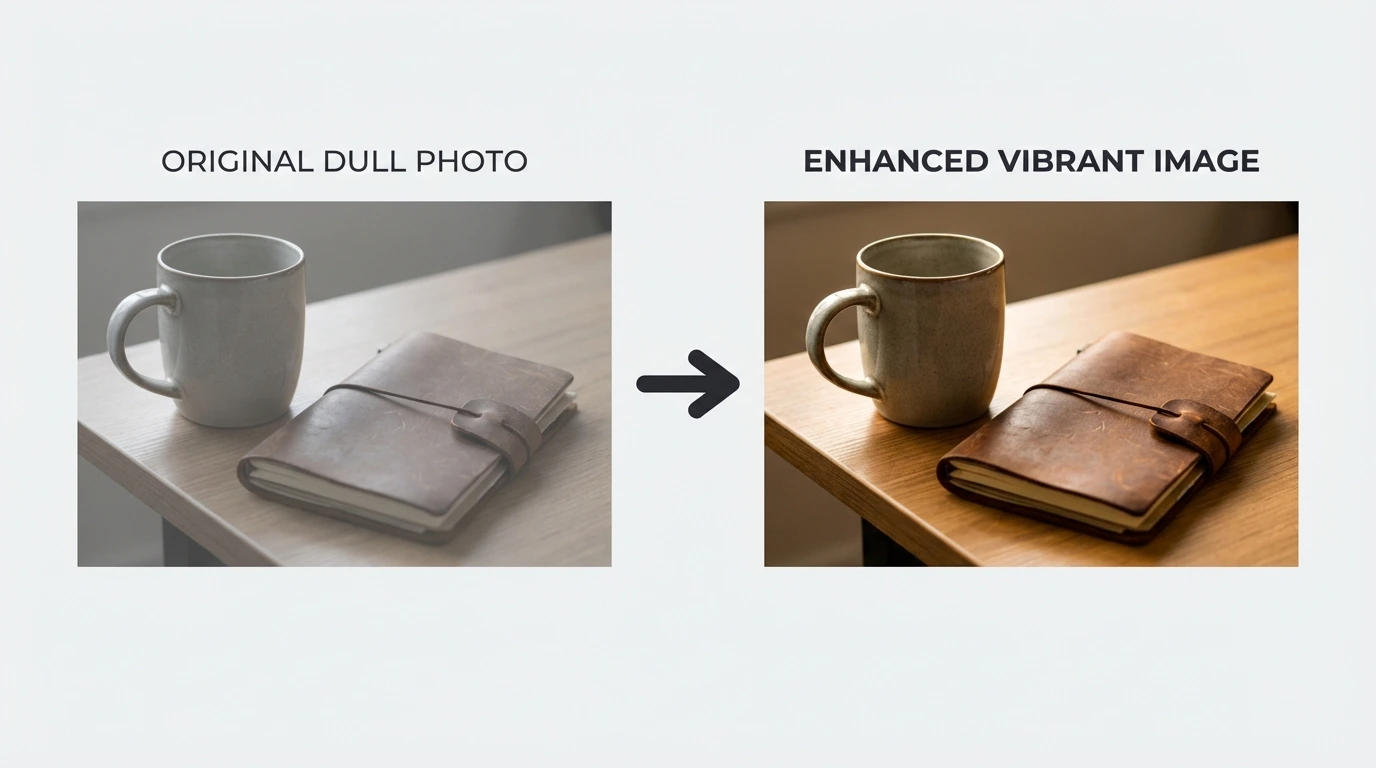
Our AI scans your image for exposure imbalances, color cast, and sharpness gaps — then applies targeted corrections in a single pass. Bring underexposed shots to life, recover highlight detail, and achieve balanced color without touching a single slider.
Visual Style Transformation
Reimagine any photo in a completely different artistic style. Choose oil painting, vintage film, watercolor, neon cyberpunk, anime, or abstract illustration. The AI rebuilds the visual language from scratch while preserving your original composition.
Seamless Face Swap
Transfer facial features between two photos with natural-looking blending. Our AI accounts for skin tone variation, lighting angle, and facial expression — delivering composites that hold up under close inspection.
Vintage Photo Restoration
Recover damaged, torn, or time-worn photographs. The AI analyzes missing regions and degraded areas, then reconstructs them with contextually accurate detail — returning faded memories to their original clarity.
4x AI Image Upscaling
Increase image resolution up to four times the original without introducing blur or compression artifacts. Our AI predicts fine detail at the pixel level, producing sharp, print-ready results from small or low-quality source files.
Subject Isolation & Background Removal
Cut out subjects cleanly from any photo — including complex edges like hair, fur, and mesh fabric. Export with a transparent layer or instantly place your subject against a new background environment.
Overlay & Watermark Eraser
Cleanly remove text overlays, date stamps, logos, and watermarks from any image. The AI reconstructs the underlying content layer so the removal is seamless and completely undetectable.
Distraction Object Removal
Brush over any unwanted element — a passerby, a signpost, a blemish in the background — and the AI fills the gap with matching texture, tone, and perspective from the surrounding image area.
Photo Colorization
Breathe color into black-and-white and grayscale photographs. The AI interprets contextual clues to assign historically plausible colors — blue skies, natural skin tones, green foliage — without any manual selection required.
Portrait Skin Retouching
Refine skin texture, reduce blemishes, brighten eyes, and even out tone while preserving authentic facial character. The result looks retouched by a professional — not processed by software.
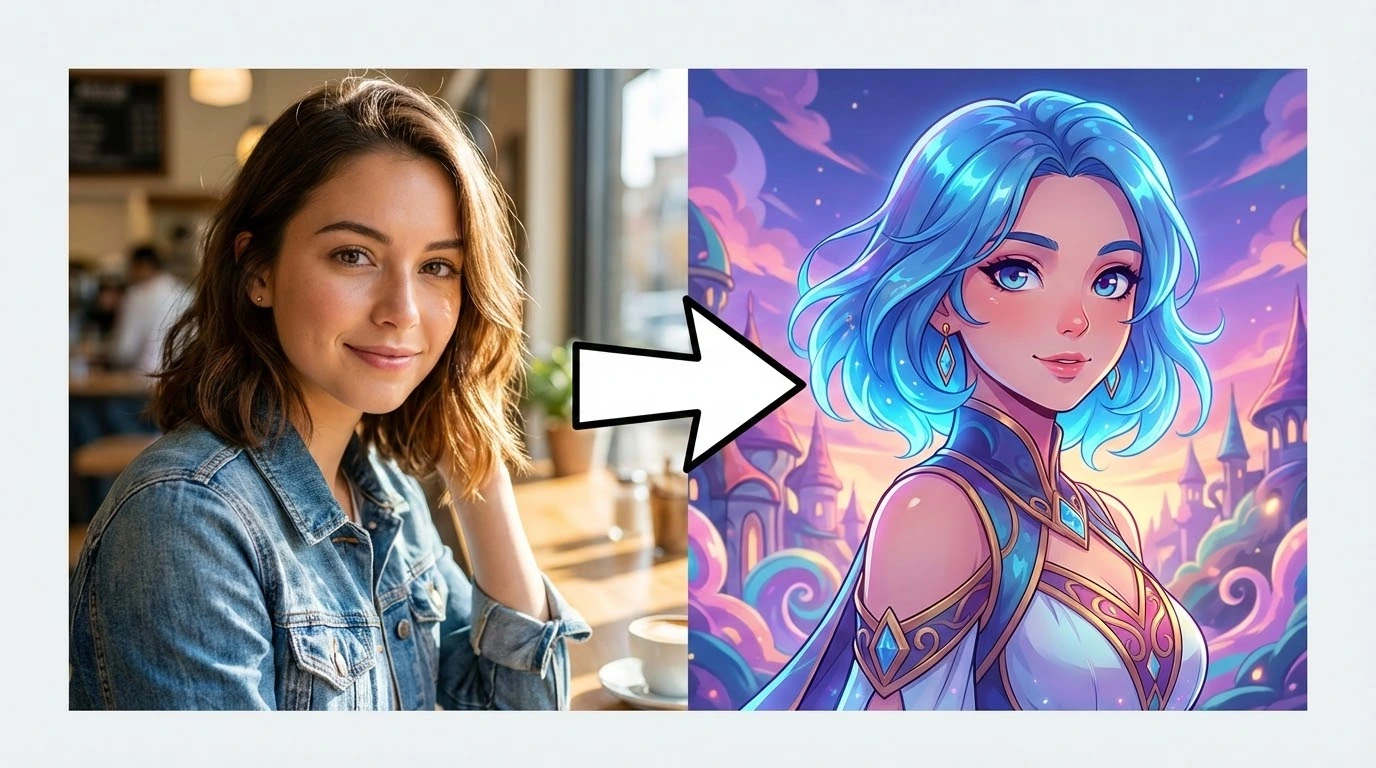
Photo-to-Anime Conversion
Convert real photographs into anime-style illustrations, cartoon portraits, or comic-panel artwork. Multiple animation style options let you match the visual aesthetic precisely to your project.
Bulk Photo Processing
Apply the same edit settings across a batch of images simultaneously. Consistent enhancement, resizing, and style changes across entire product catalogs or event photo libraries — without repetitive manual effort.
Why Photographers and Creators Choose Our AI Photo Editor
Every tool is designed to eliminate complexity and get you from raw photo to finished image in the shortest possible time.
No Prior Editing Knowledge Needed
There are no layers to manage, no curves to adjust, no selection masks to paint. Upload your photo, select a tool, and the AI handles the technical execution. The same output quality is accessible to a first-time user and an experienced editor alike.
12+ Tools Under One Roof
Every editing task — background removal, portrait retouching, style transformation, upscaling, colorization — is available in a single platform. No context-switching between apps, no re-uploading, no juggling multiple subscriptions.
Edits Delivered in Under 30 Seconds
Every tool completes its processing within half a minute. Tasks that consume 20+ minutes in conventional software — detailed background removal, skin retouching, full style transfers — are finished before your next browser tab loads.
Runs on Any Device, No Install Required
Our AI image editor is fully browser-based. It runs on Mac, Windows, Anclaude, and iOS without requiring any software installation, local storage allocation, or hardware acceleration on your side.
Export at Full Resolution, Watermark-Free
Paid plan users receive full-resolution exports with no watermarks applied. Every edited image is ready to deliver to a client, upload to a store listing, or deploy in an advertising campaign — straight from the download.
Your Photos Stay Private
Images are processed in isolated cloud sessions and automatically purged once your edit is complete. We apply end-to-end encryption to all file transfers and never use uploaded photos for AI model training.
Three Steps to a Professionally Edited Photo
No account needed to begin. Upload, edit, and download — the whole process takes under a minute.
Upload Your Image
Drag and drop your JPG, PNG, or WEBP file directly into the editor. Free tier supports files up to 10 MB; premium plans accept up to 50 MB and 50-megapixel source images.
Select an Editing Tool
Browse 12+ AI-powered tools and choose the one that matches your task. Each tool operates independently — meaning you can apply multiple edits to the same image in sequence without starting over.
Download Your Result
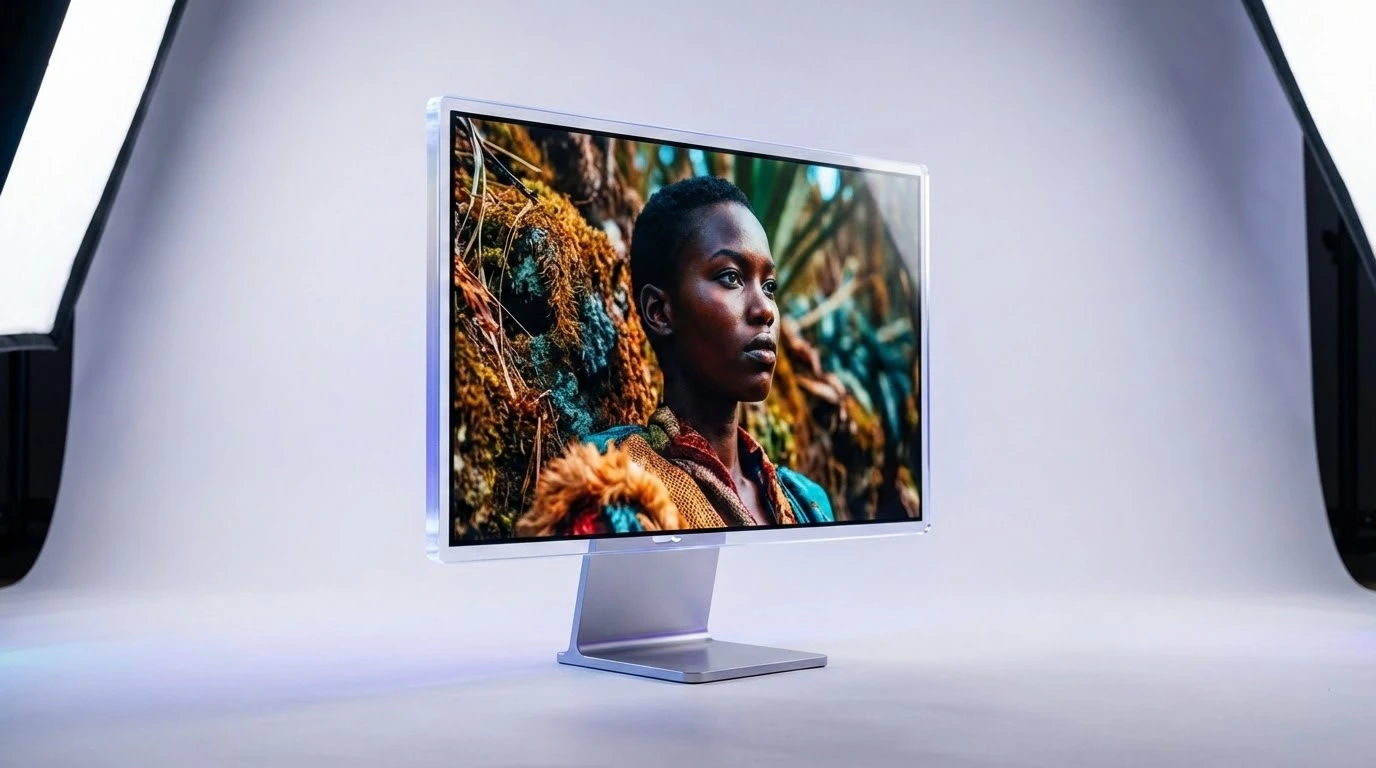
Preview your edited image at full resolution before saving. Download in PNG, JPG, or WEBP format, or pass the same file through a second tool for additional adjustments — no re-upload necessary.
AI Image Editor — Common Questions Answered
Straightforward answers to what people ask most before they start editing photos with AI.