
Give Color to Black and White Photos with AI
Ready for Generating
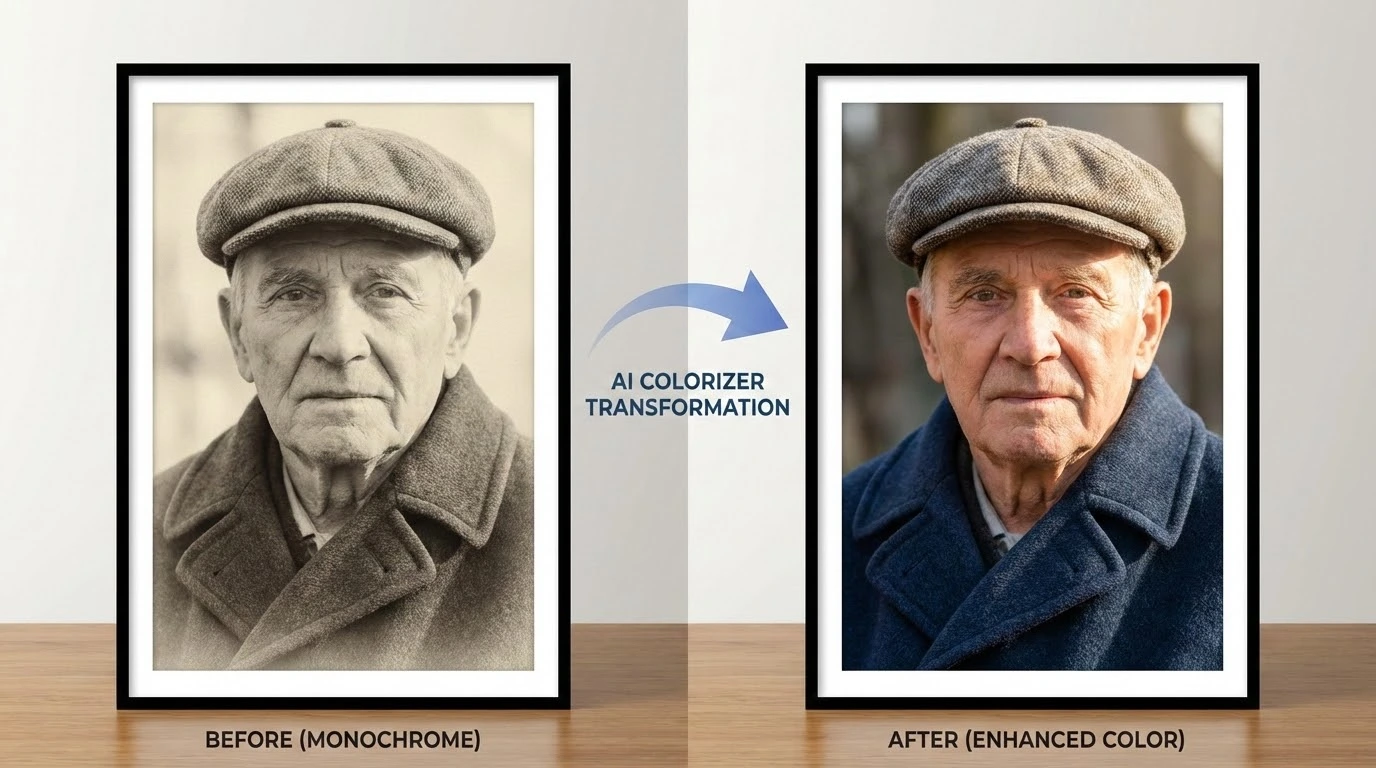
How AI Adds Color to Grayscale Photos
The colorization engine reads the content and context of each image region before assigning color — producing results that look photographed in color rather than artificially tinted.
Context-Driven Scene Reading
The AI identifies every element in the photograph — faces, sky, foliage, fabric, architecture, and more — before applying a single color. Understanding what each region represents allows it to choose colors that fit the subject rather than guessing from brightness values alone.
Historically Grounded Color Assignment
Deep learning models trained on millions of color photographs across different eras and regions inform every color decision. Vintage portraits receive plausible period colors for clothing and interiors, while landscapes get seasonally and geographically appropriate tones.
Edge-Accurate Color Boundaries
Colors are applied with precise edge detection so they stay within object boundaries rather than bleeding across the image. Fine details like hair strands, fabric weave, and architectural trim retain their original sharpness after colorization.
Why This AI Colorizer Produces Better Results
Most filter-based colorizers apply a uniform tint. This tool reads the image semantically and assigns colors based on what each element actually is.
Automatic — No Manual Selection
There are no regions to paint, no color pickers to configure, and no masks to draw. Upload the photo and the AI handles the entire colorization pass automatically, delivering a complete result in seconds.
Period-Accurate for Archival Photos
The AI is trained on photographs spanning multiple decades and regions, so vintage images receive colors that are plausible for their era — not the saturated palette of a modern smartphone photo.
Handles Portraits, Landscapes, and Documents
Whether the image is a family portrait from the 1940s, a wartime street scene, or a scanned document, the colorizer adapts its approach to the content type and delivers natural-looking output across all categories.
Full Resolution Output
The colorized image is returned at the same resolution as the original upload. No downscaling, no compression artifacts — the added color integrates cleanly without degrading the underlying image quality.
Runs Entirely in the Browser
No software to install and no plugins to configure. The entire colorization process runs in the cloud, so you can use it on any device — desktop, tablet, or phone — without touching your local storage.
Free Credits to Get Started
New accounts receive free credits immediately — no payment details required. Process your first photos right away and upgrade only if you need higher volume or priority processing.
How to Colorize a Black and White Photo in 3 Steps
The process takes under a minute from upload to download.
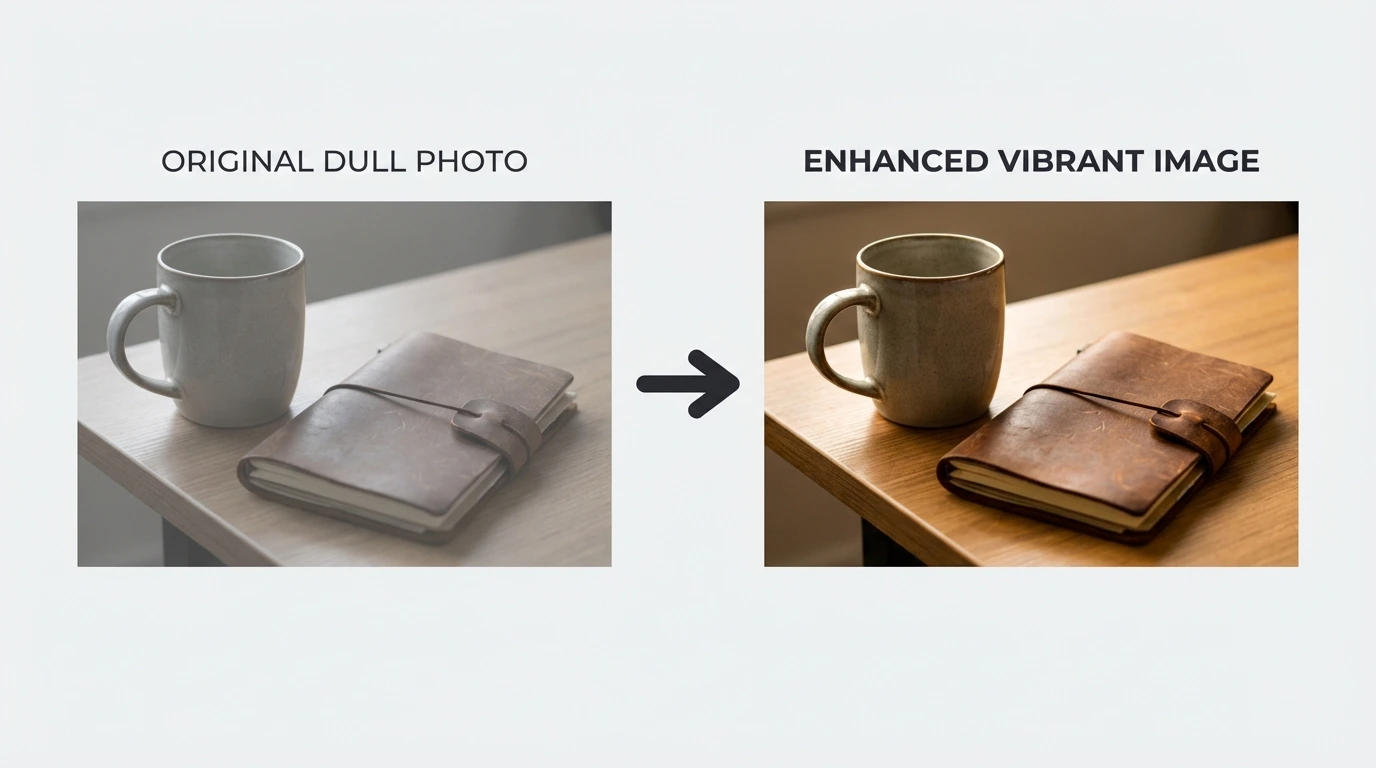
Upload the Grayscale Photo
Select your black-and-white or grayscale image. JPG, PNG, and WEBP formats are all accepted. Free accounts can upload files up to 10MB — higher resolution images produce more detailed colorization.
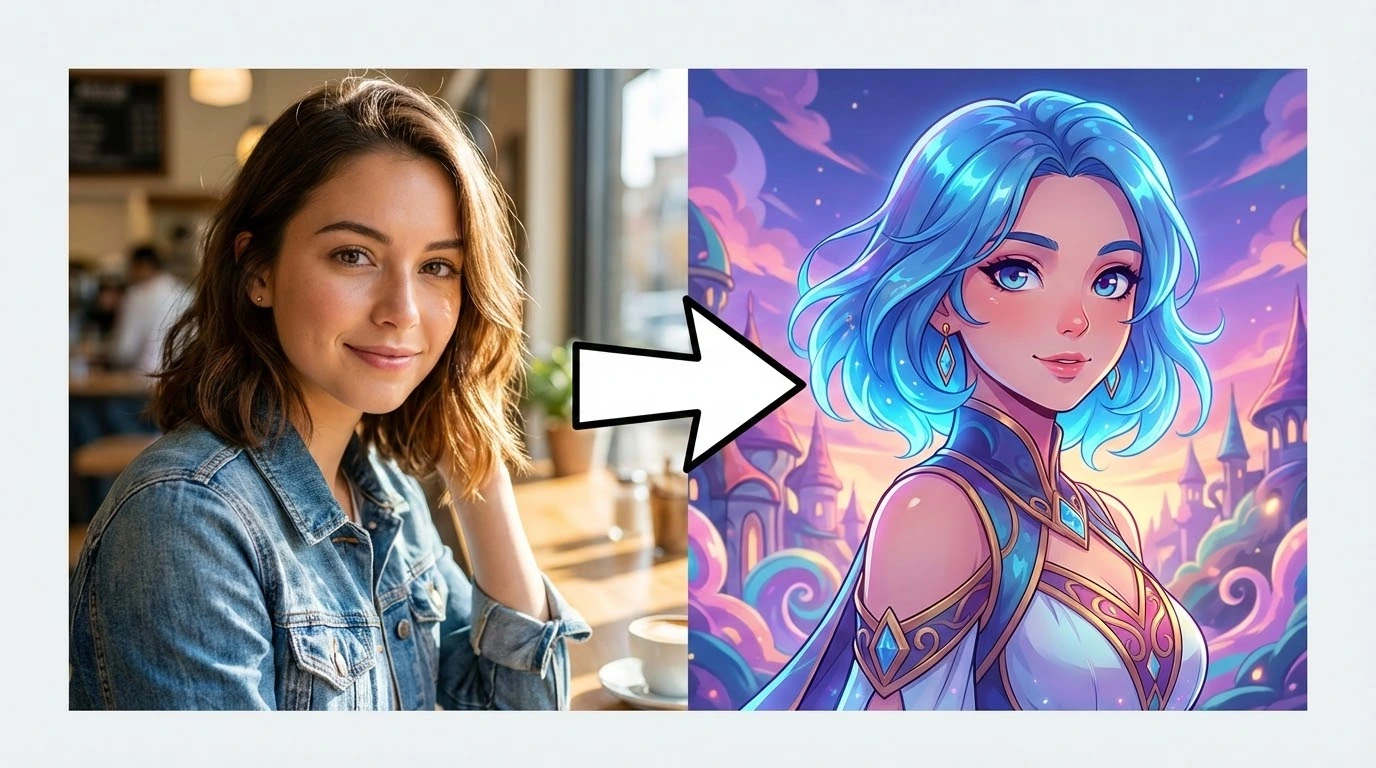
AI Reads and Colors the Image
The engine identifies every object and scene element, then assigns contextually accurate colors to each region. Skin tones, sky, vegetation, and clothing all receive colors appropriate to the subject and era.
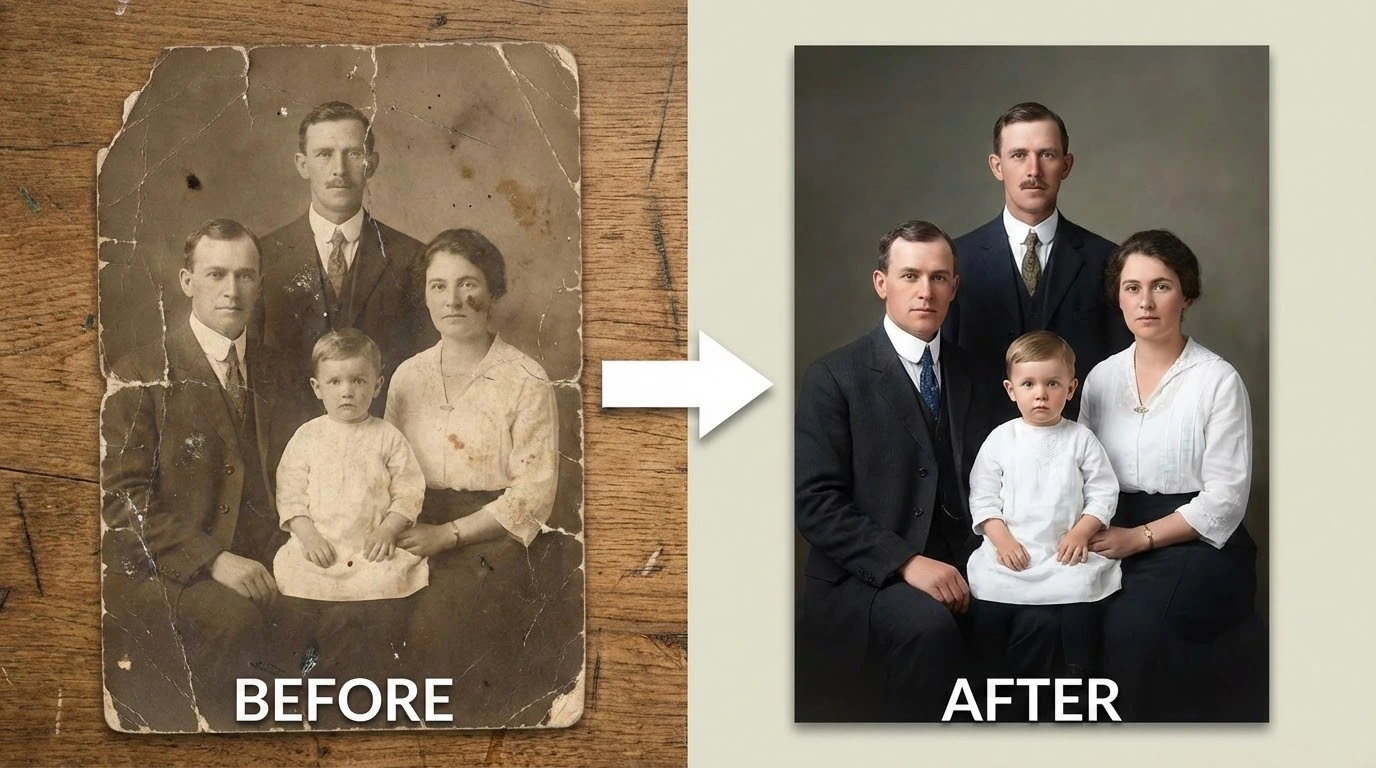
Download the Colorized Result
Review the before-and-after comparison, then download the colorized photo at full resolution. Print it, share it, or use it in a presentation — it's ready to go.
How People Are Using AI Photo Colorization
From family historians to documentary filmmakers, here is what users are creating.
I colorized my grandmother's 1948 wedding portrait and the result was breathtaking. The dress color, the flowers, the background — everything looked completely natural. My family couldn't believe it was AI.
Vera O., Family Archivist
Vera O.
Family Archivist
I use this for client archive projects where they want colorized versions of old corporate or event photos. The output is clean enough to use directly without any manual touch-up in most cases.
Marcus D., Commercial Photographer
Marcus D.
Commercial Photographer
Colorized historical photographs change how students connect with the material. Seeing a 1920s street scene in realistic color makes it feel immediate rather than distant. This tool has become part of how I build lessons.
Priya N., Secondary School History Teacher
Priya N.
Secondary School History Teacher
I've been digitizing three generations of family albums. Running the black-and-white prints through this colorizer has been one of the most rewarding parts of the project. Seeing great-grandparents in color for the first time is something else.
Cole H., Genealogy Researcher
Cole H.
Genealogy Researcher
We created a colorized companion series for a wartime photography exhibition. Visitors spent significantly more time with the colorized prints than the originals. The color accuracy on uniforms and architecture held up to close scrutiny.
Ingrid B., Exhibition Curator
Ingrid B.
Exhibition Curator
I pull archival stills for documentary segments and often need colorized versions for visual variety. This tool handles everything from 1930s portraits to 1970s street photography with consistent quality. It's saved us significant post-production time.
Aiden R., Documentary Producer
Aiden R.
Documentary Producer
Frequently Asked Questions About AI Photo Colorization
Add Color to Your Old Photos — Free to Try
Upload a black-and-white photo and see realistic color added in seconds. No account required for your first colorization.