
AI Image Extender
Ready for Generating
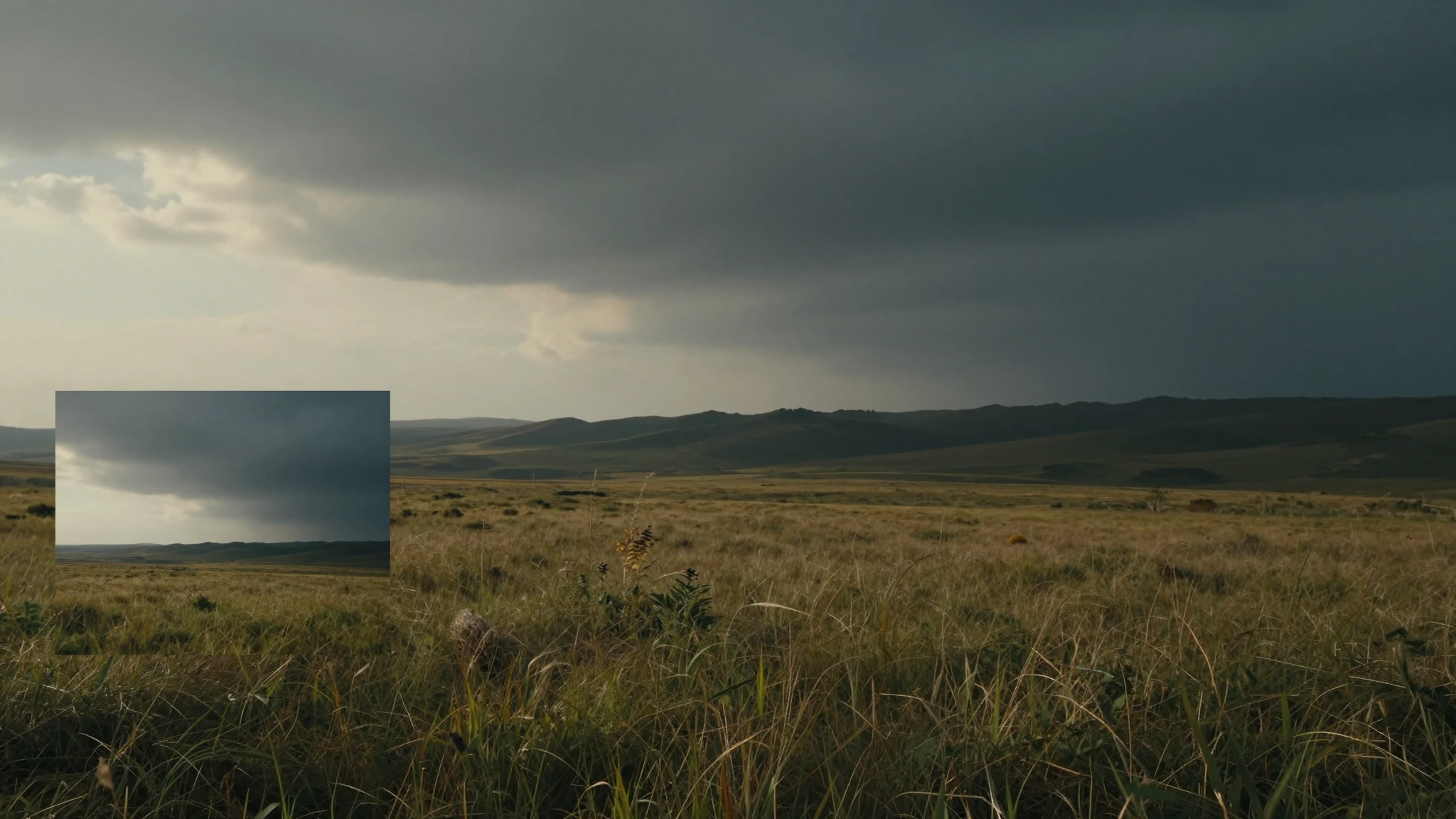
Inside the AI Image Extender
Reading the photo, painting beyond its edge, and welding the new pixels to the old happen as a single pass — the AI Image Extender treats outpainting as one continuous decision rather than three separate edits.
Reads the Photo Before It Paints
Before generating a single new pixel, the AI Image Extender catalogues subjects, surfaces, light direction, depth cues, color cast, and any repeating texture. That visual inventory becomes the brief for the outpainted region, so the extension feels like a continuation of the shot rather than a stitched panel.
Outpaints With Scene Logic
New canvas is composed from the same vocabulary as the source — the same horizon, the same lens behavior, the same wood grain or sky gradient. The AI Image Extender keeps perspective lines converging where they should and lets foreground elements roll off naturally instead of stopping at the old border.
Welds the Edge So You Can't Find It
The handoff between original pixels and generated pixels gets a dedicated refinement pass. The AI Image Extender matches grain, tunes color seams, and rebuilds detail along the join, leaving a single continuous frame instead of a visible boundary between "shot" and "made".
Why Reach for This AI Image Extender
Built specifically for outpainting, the AI Image Extender expands the canvas without flattening color, breaking perspective, or softening the rest of the photo.
Push Any Edge You Need
Extend the top only, the bottom only, both sides at once, or every edge simultaneously. The AI Image Extender accepts pixel-precise dimensions and standard ratio presets, so you can reach a 16:9 banner or a 9:16 vertical from a square original in one step.
Style and Light Stay Locked
Where a plain canvas-grow tool leaves checkerboard gaps, the AI Image Extender paints in the same color palette, shadow direction, and surface character as the source. The two halves of the image read as one exposure rather than a composite.
Reformat Without Cropping
Stretch a portrait into a hero banner, widen a square post into a YouTube cover, or grow a horizontal shot into a 9:16 reel. The AI Image Extender adds room where you need it instead of sacrificing the subject to a tighter frame.
Recover Tight Crops
When a photo was framed too aggressively on set or in post, the AI Image Extender can re-grow the missing edges. Backgrounds reappear, headroom is restored, and the image becomes usable for layouts it could never fit before.
Output That Stands Up to Print
Resolution and color depth on the original area pass through untouched, and the outpainted region is generated at matching fidelity. Files coming out of the AI Image Extender hold up in print catalogs, billboards, and high-DPI hero sections.
One Upload, One Render, One Download
No layers panel, no brush settings, no patience tax. Drop the file, pick the direction and size, and the AI Image Extender ships a finished frame within seconds — even on a mid-range laptop or a phone browser.
Three Steps to a Wider Frame With the AI Image Extender
Upload, choose the new shape, and pull the expanded photo down — the whole flow fits on a single screen.
Drop in the Source Photo
Pick the image you want to enlarge. The AI Image Extender accepts JPG, PNG, and WebP files up to 10MB, and works best on sources sized 500×500 pixels or larger.
Pick the Direction and Size
Decide which edges should grow — top, bottom, left, right, or any combination — then dial in either exact pixel dimensions or a preset ratio such as 16:9, 4:3, or 1:1. The AI Image Extender plans the outpainting from there.
Preview and Save
Inspect the expanded result against the original, run another pass if you want a different feel, and download the final image. The export keeps the source format and resolution profile.
How People Are Using the AI Image Extender
Notes from photographers, marketers, and designers who quietly built our AI Image Extender into their everyday work.
I reshape one shoot into a dozen aspect ratios every week. The AI Image Extender takes a vertical reel still and gives me a clean 16:9 YouTube end card without re-cropping the subject — that alone has paid for the entire tool.
Naomi Park, Social Content Lead
Naomi Park
Social Content Lead
Half my product shots are framed tight to keep my softbox out of the picture. The AI Image Extender extends the seamless backdrop convincingly enough that even the art director on the receiving end can't spot where the real photo ends.
Diego Alvarez, Studio Product Photographer
Diego Alvarez
Studio Product Photographer
Before this tool, fitting a portrait into a wide hero banner meant either an awful crop or an hour of painting in Photoshop. Now I outpaint the canvas, drop the file into the layout, and the rest of my afternoon goes to the actual design work.
Hannah Liu, Senior Graphic Designer
Hannah Liu
Senior Graphic Designer
AI Image Extender — Common Questions
The questions people ask before bringing our AI Image Extender into a real workflow.
Outpaint Your First Image With AI
Turn a tight crop or a single ratio into a frame that fits anywhere you need it.